¶ Starting Comparison
StatsPlus has added a feature to compare ratings and stats between two players. The feature can be reached by two different methods.
One is via the "Compare" icon in the header of the player popup. Clicking on that icon brings up a search box, which acts like the search box at the top of all S+ pages, to search and find a player to compare.
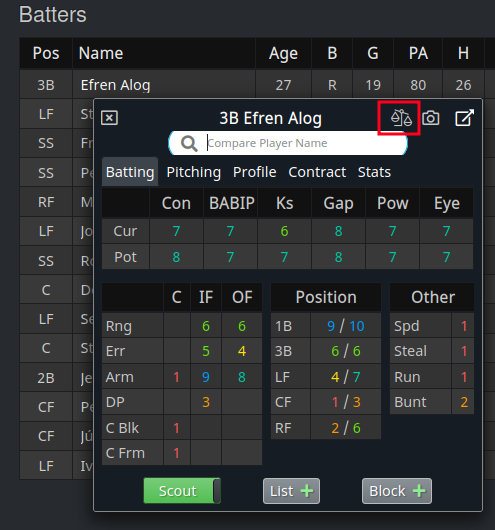
The other method is via the "Compare" button on the player page, which goes directly to the compare page, and allows the user to search for the comparison player there.

¶ Comparison Page
There are a number of different options to show various ratings and stats of the two players side by side. The drop-down menu in the middle of the page has all the available options for the league. The default view for ratings is to show colored bars, highlighting where one player is higher than another, similar to the OOTP in-game comparison.
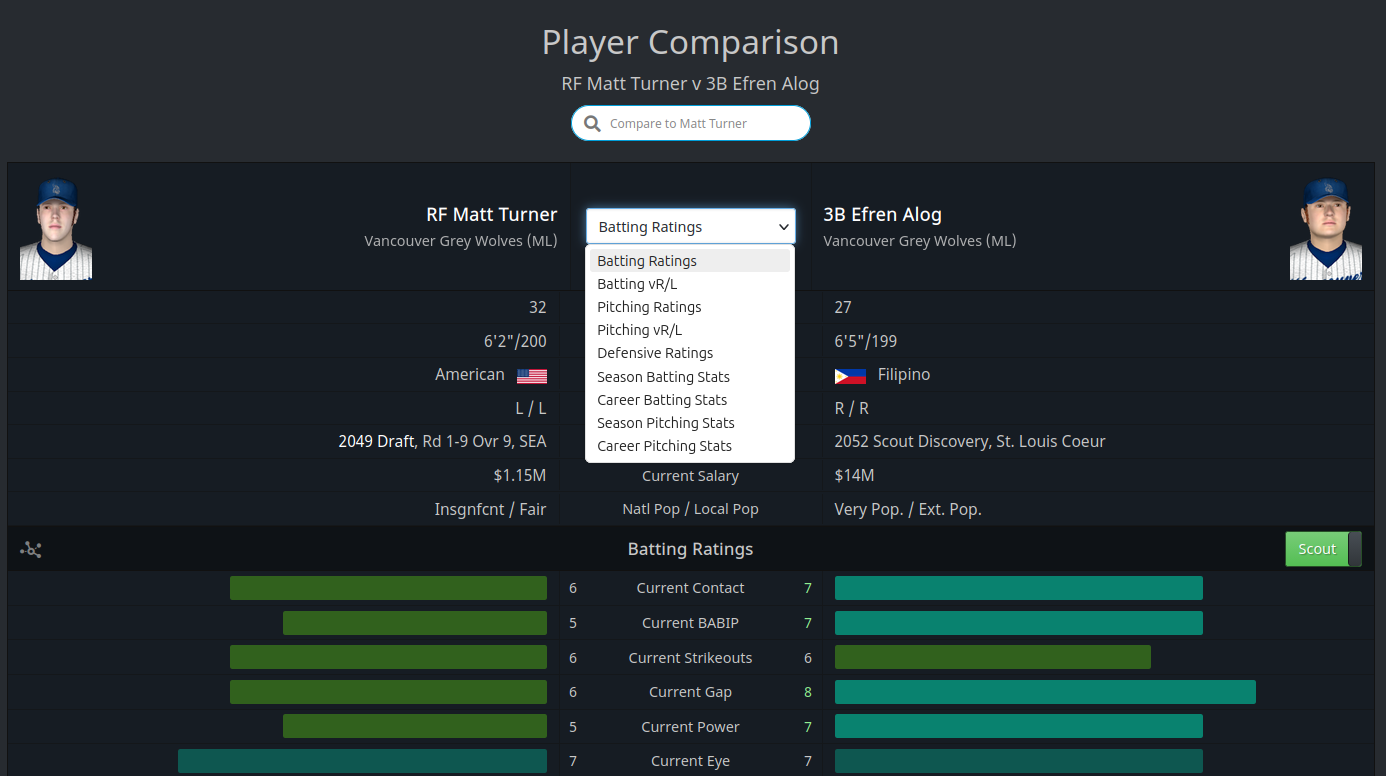
If ratings are viewed, and the league has scouts, the OSA / Scout slider is visible on the right side of the screen to allow switching the view.
All statistics shown are currently from the major leagues only.
¶ Radar Chart View
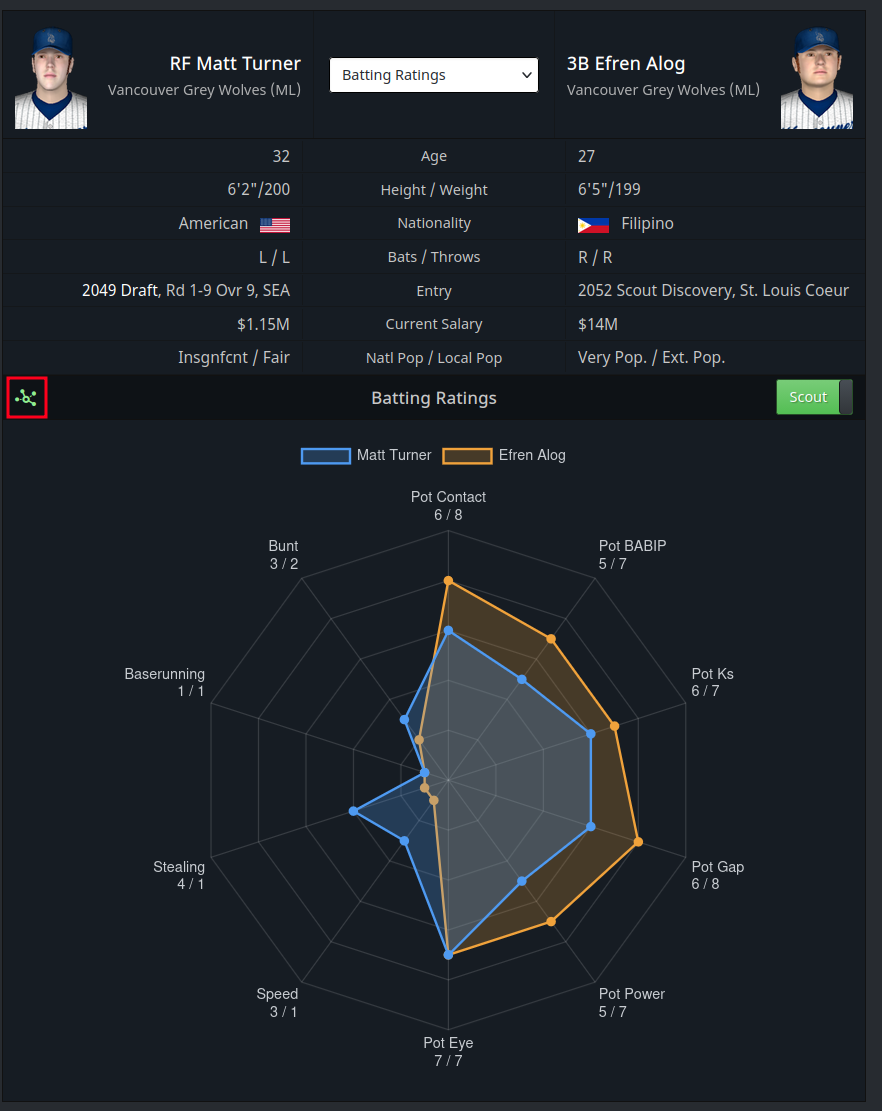
In addition to the colored bar view, clicking on the chart-like icon to the left of the "Batter Ratings" text brings up relevant ratings in a "radar chart", as shown below.